
Configure in the Browser
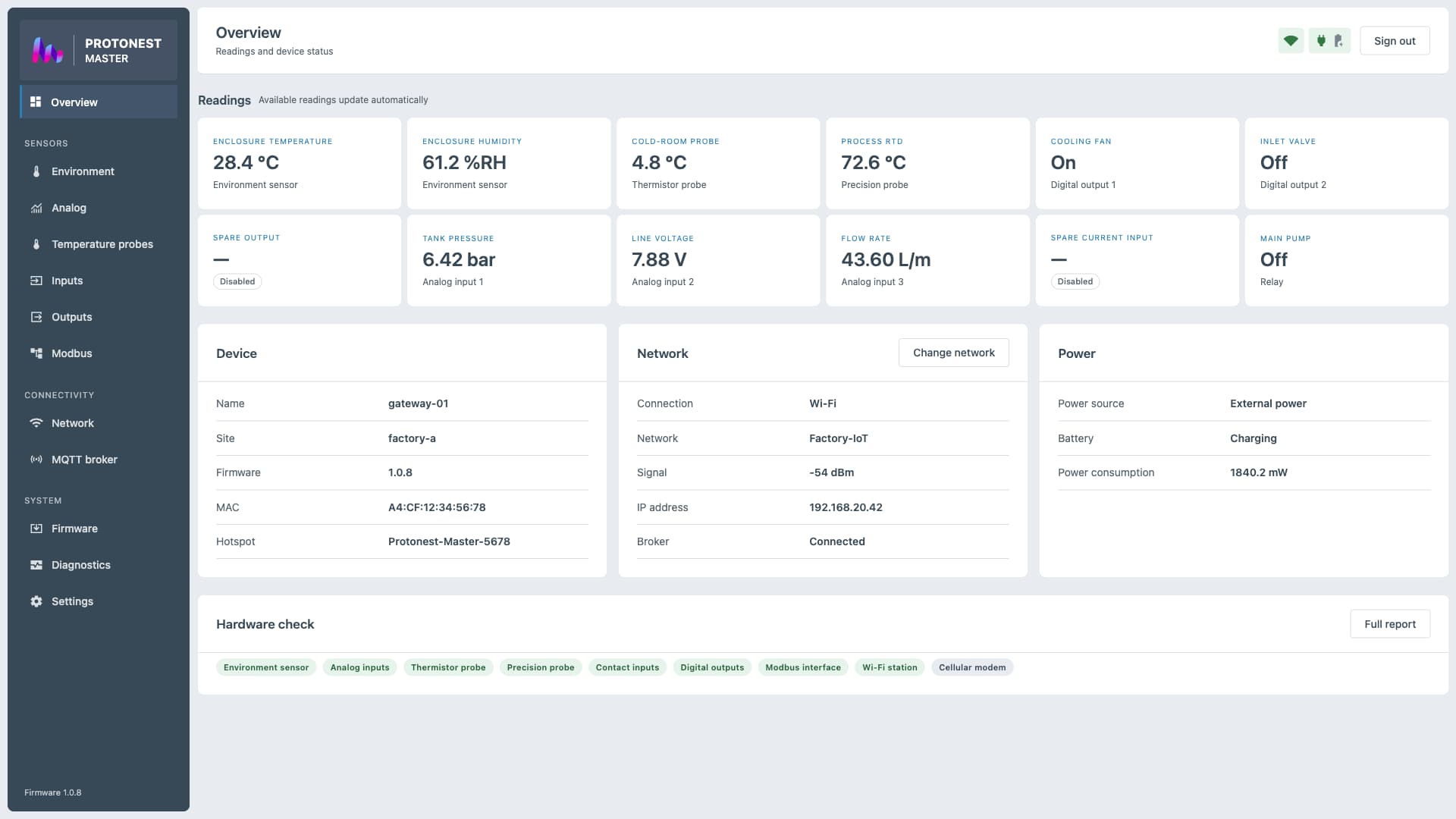
Configure supported device settings through a browser-based interface designed for desktop and mobile screens.
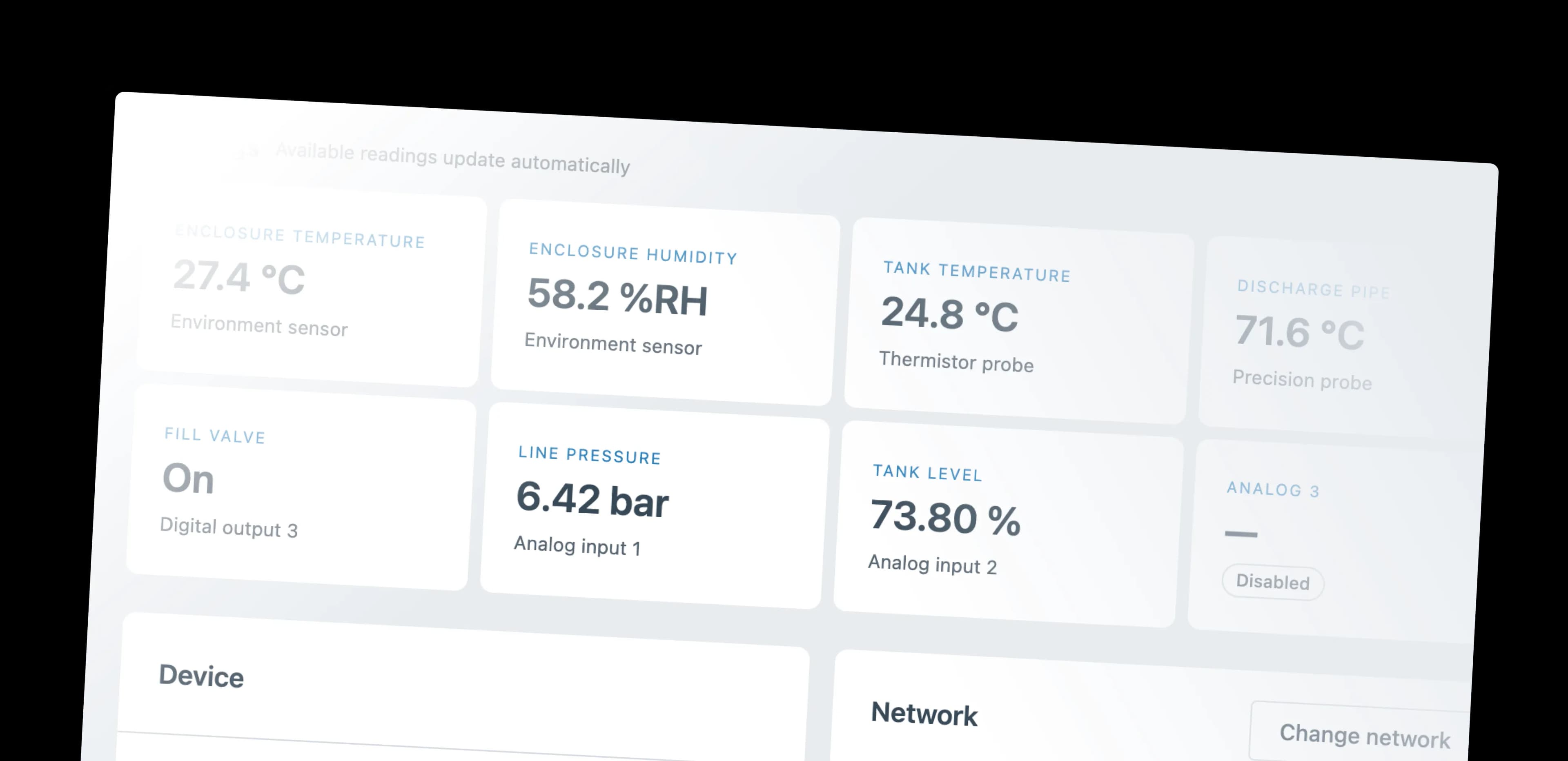
Connect supported sensors, machines, and actuators to MQTT without writing device firmware. Configure supported I/O, connectivity, and publishing in the browser.
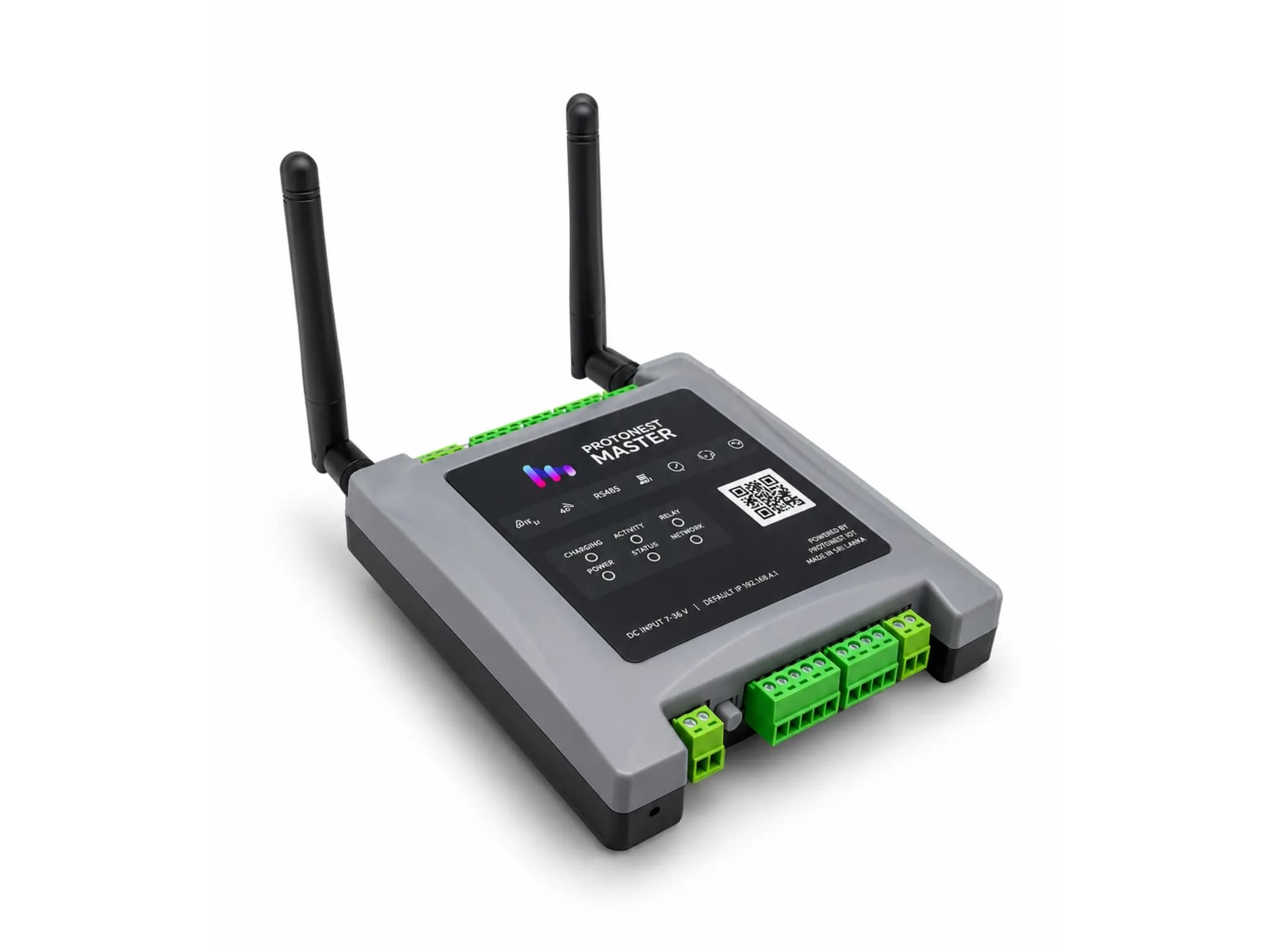
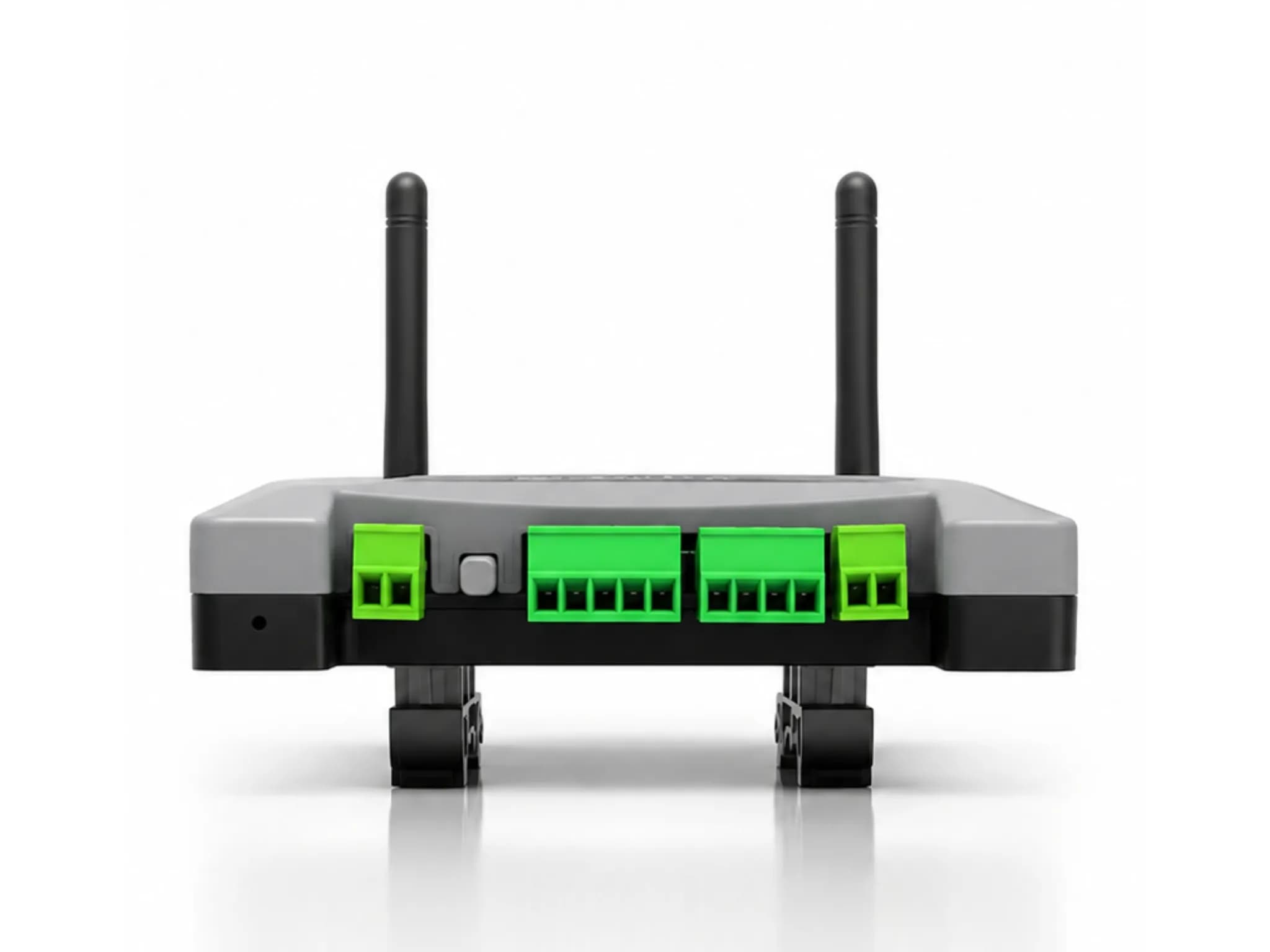
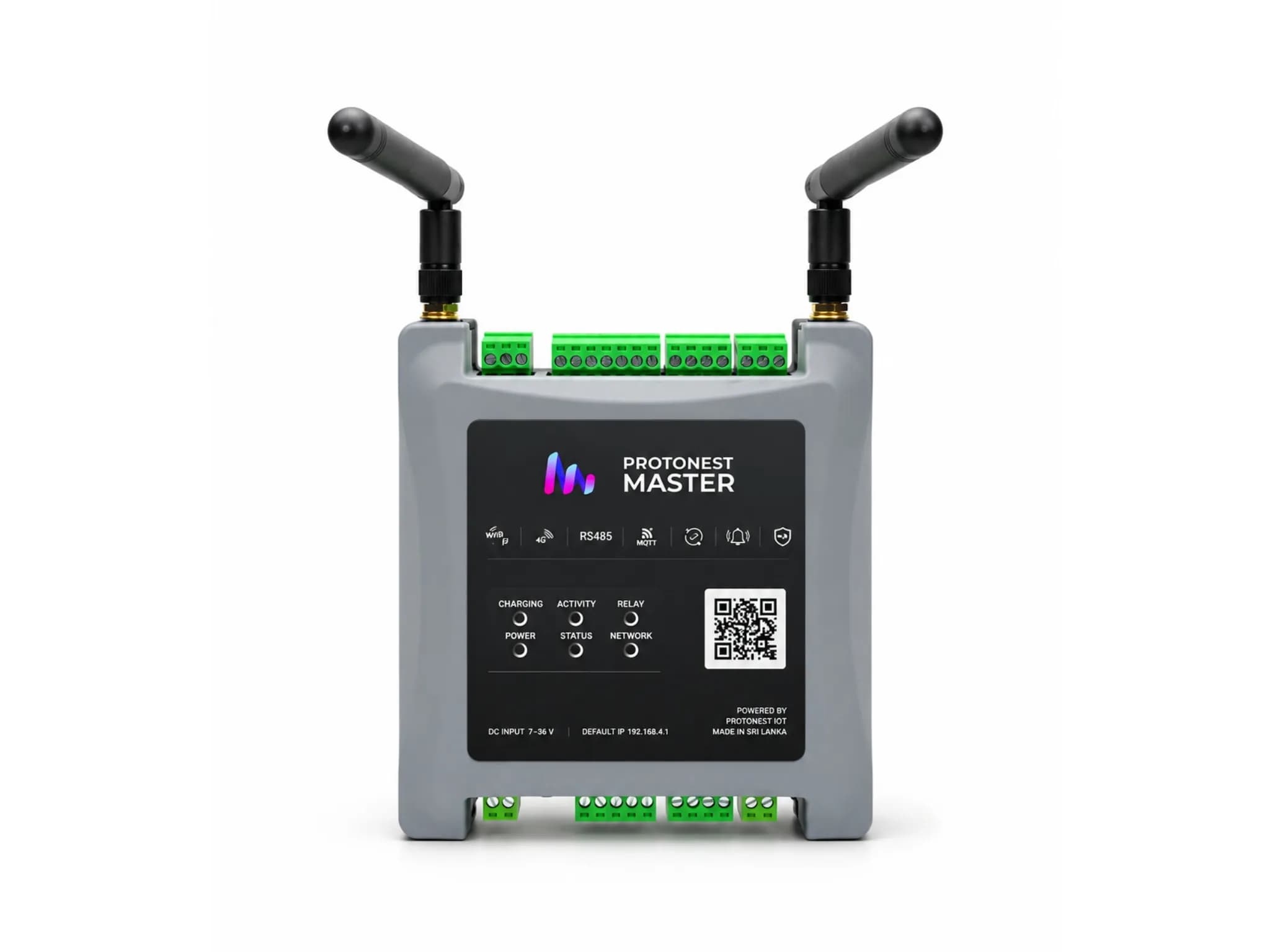
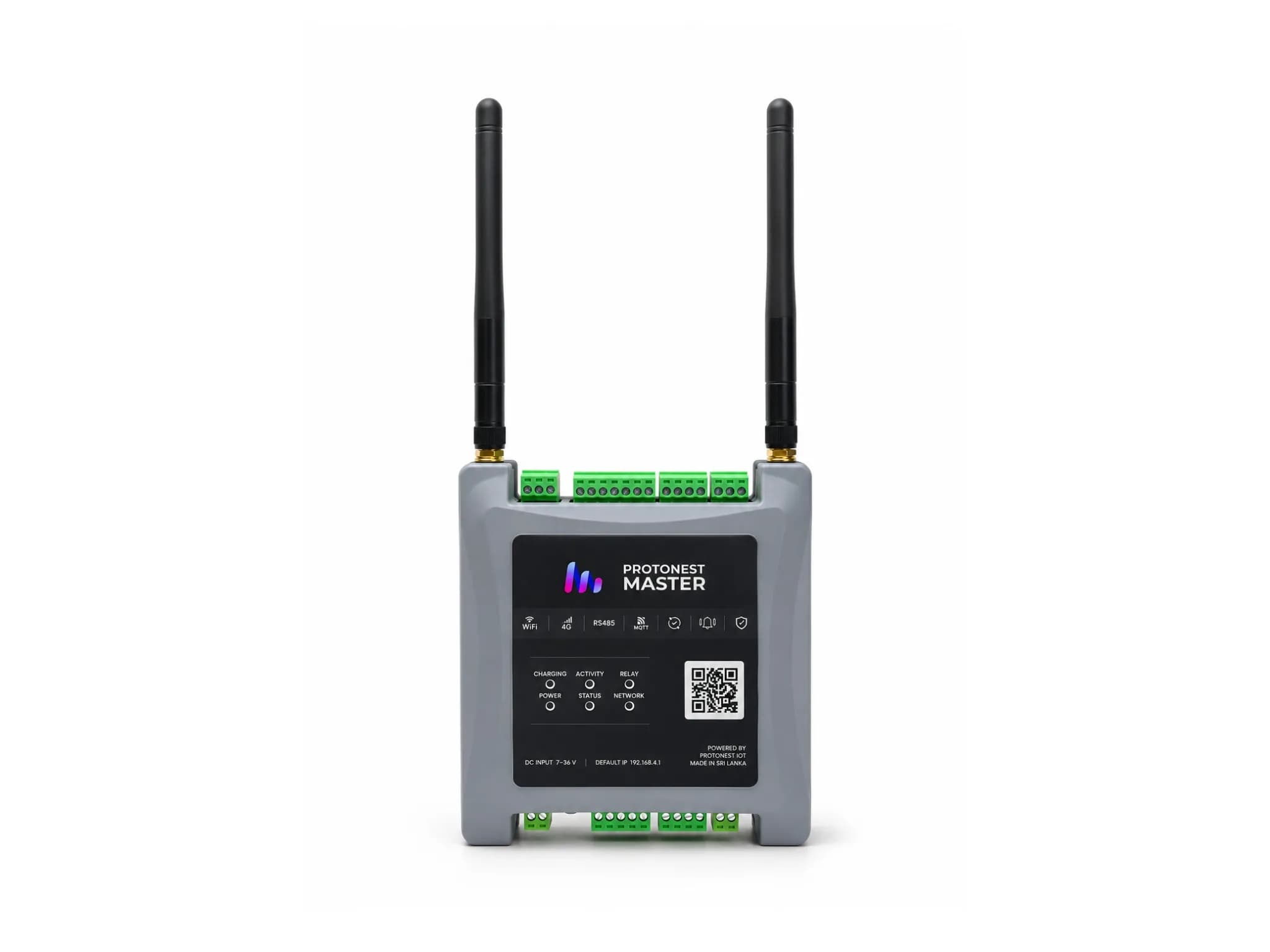
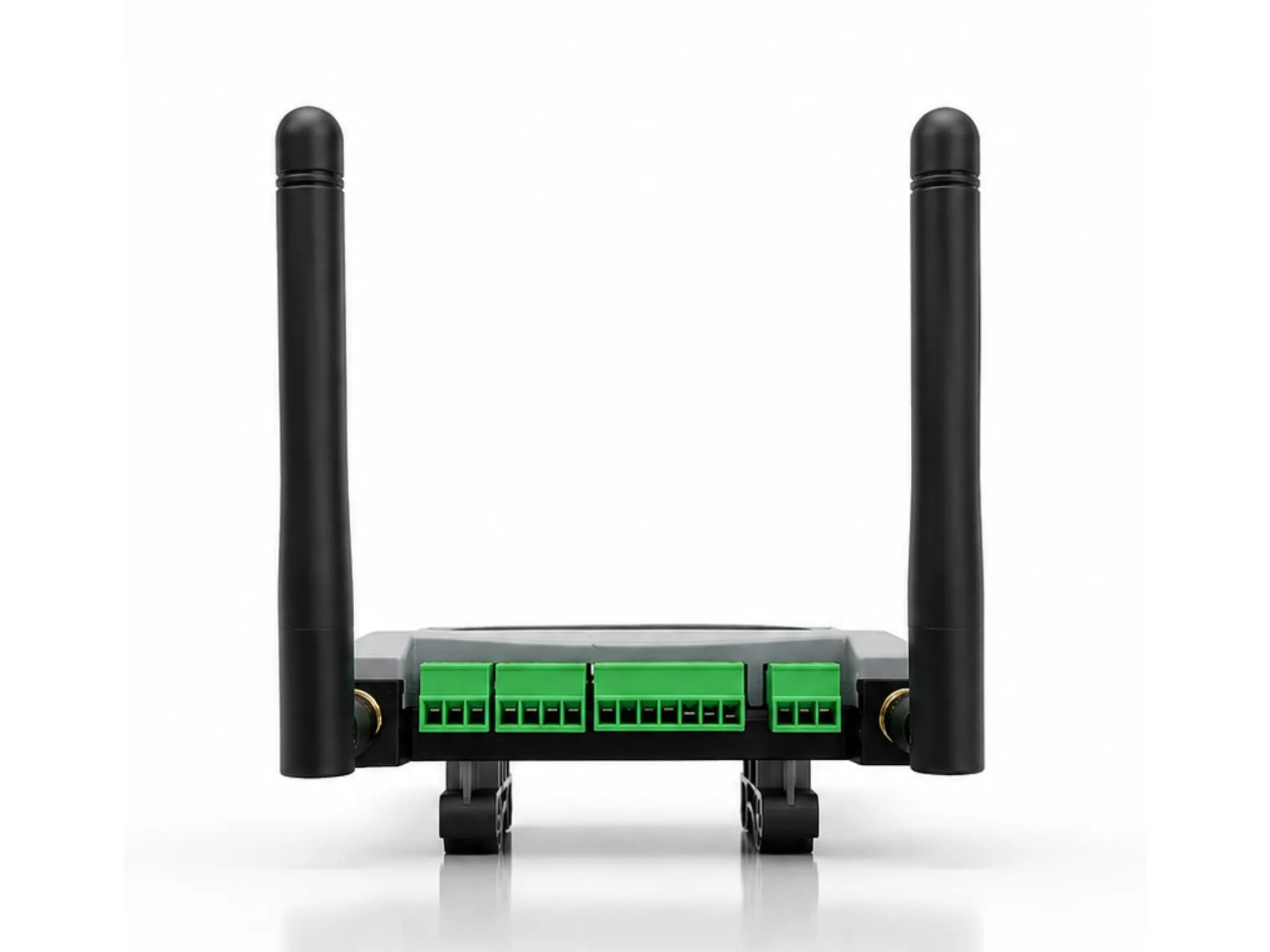
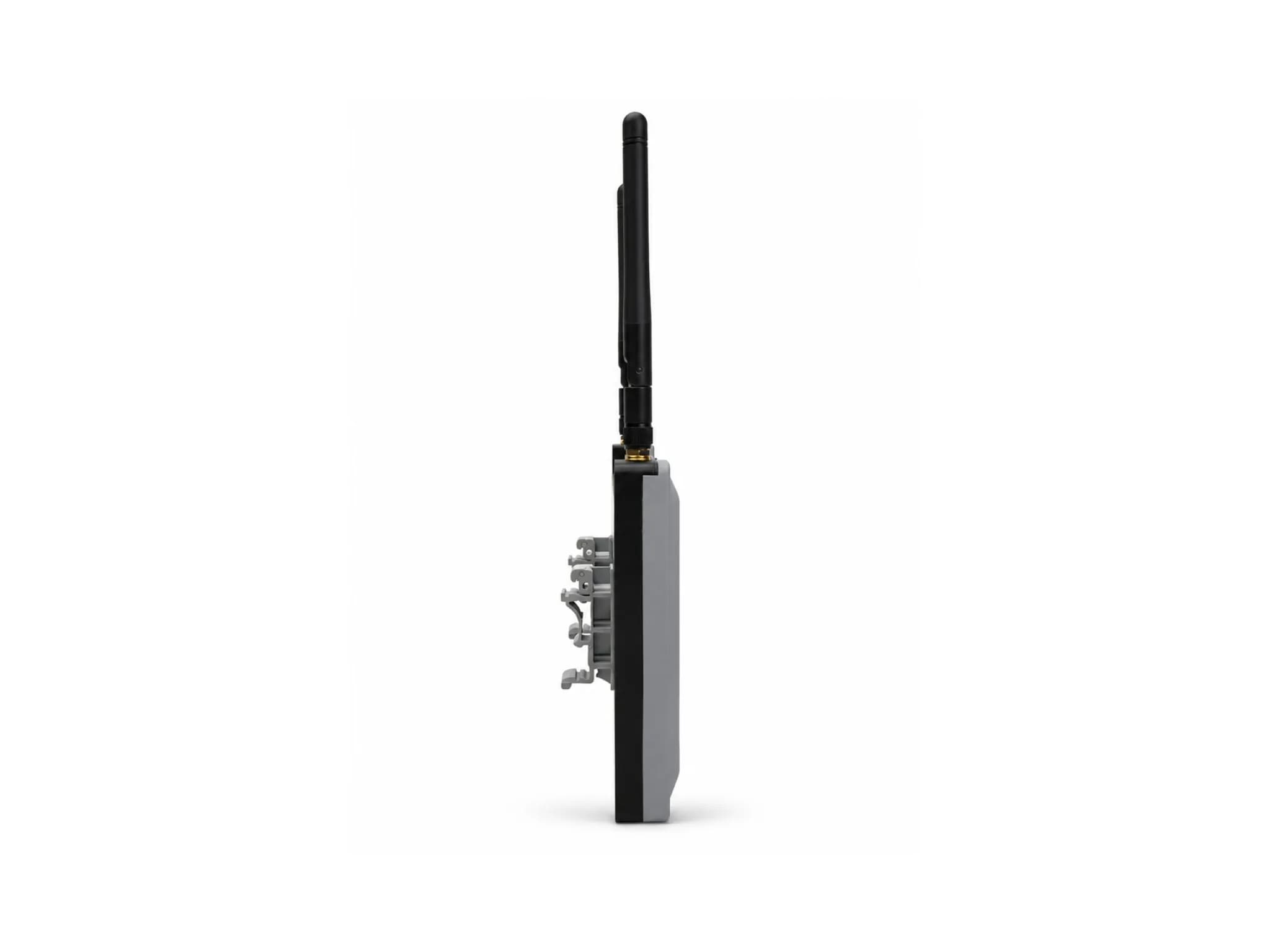
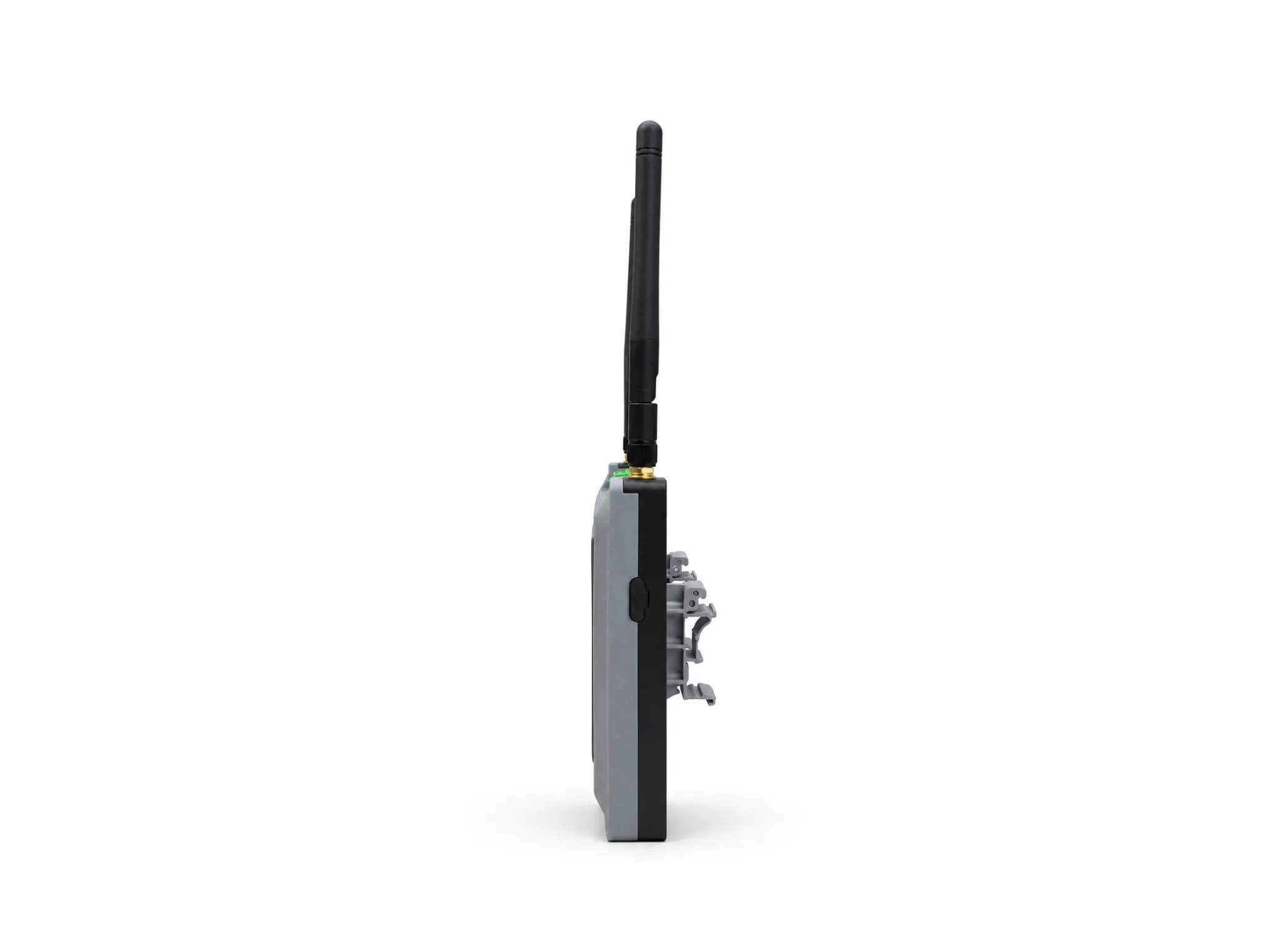
Connect supported sensors, machines, and actuators through a browser-configured industrial gateway.
Configure supported device settings through a browser-based interface designed for desktop and mobile screens.
Publish data to a customer-selected MQTT broker with configurable broker details, topics, and authentication.
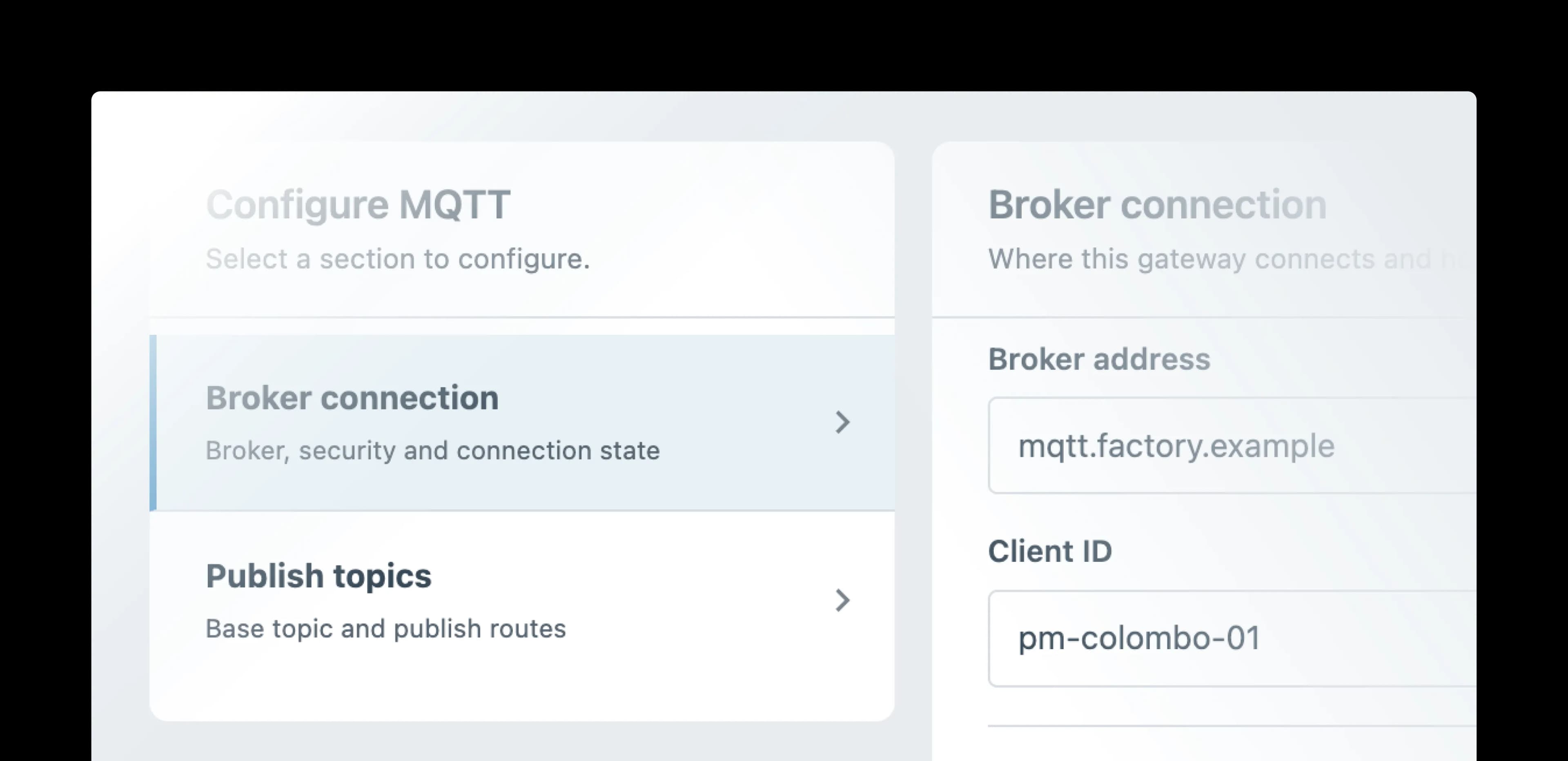
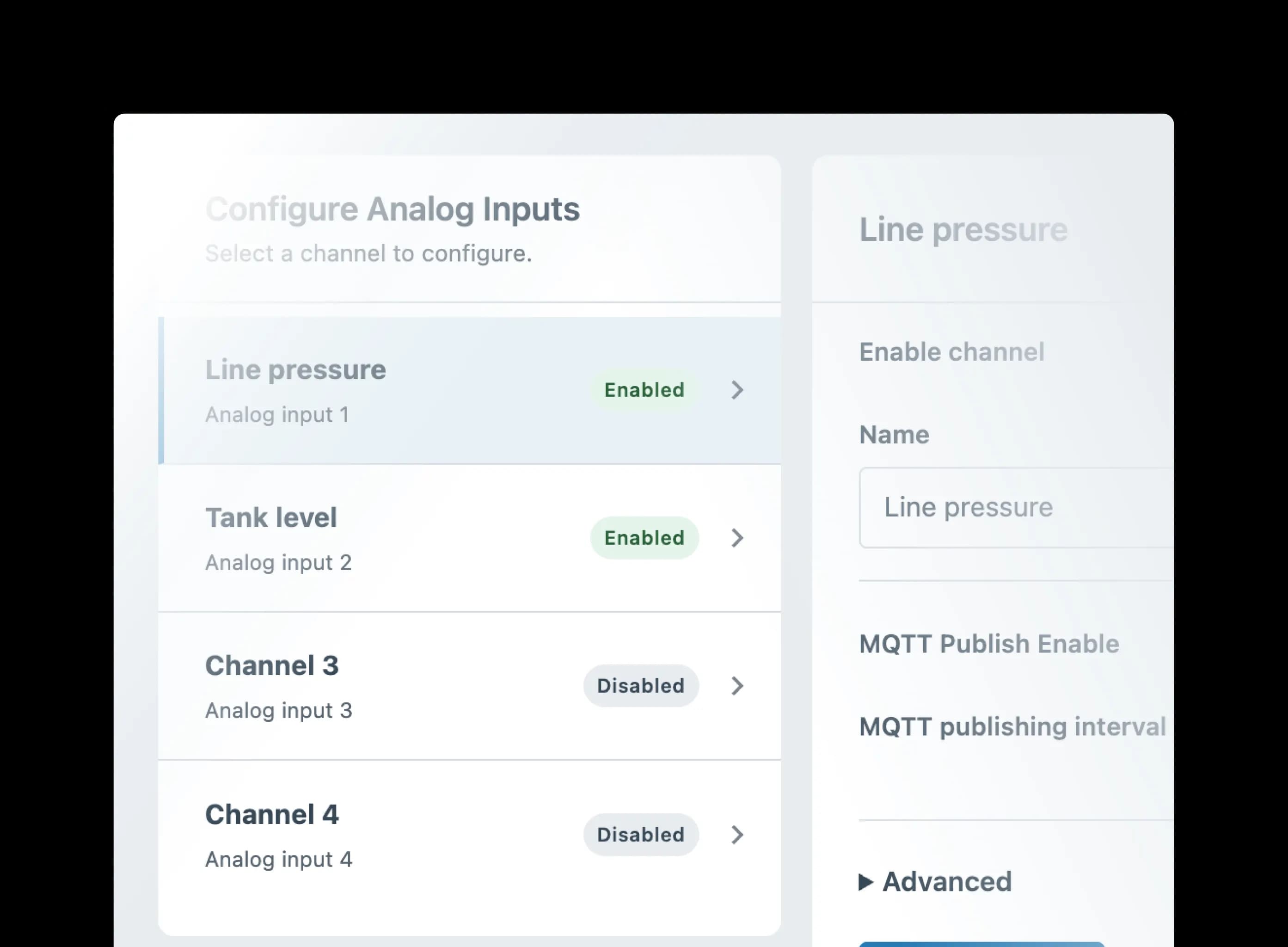
Connect supported industrial analog, digital, and RS485 / Modbus devices.
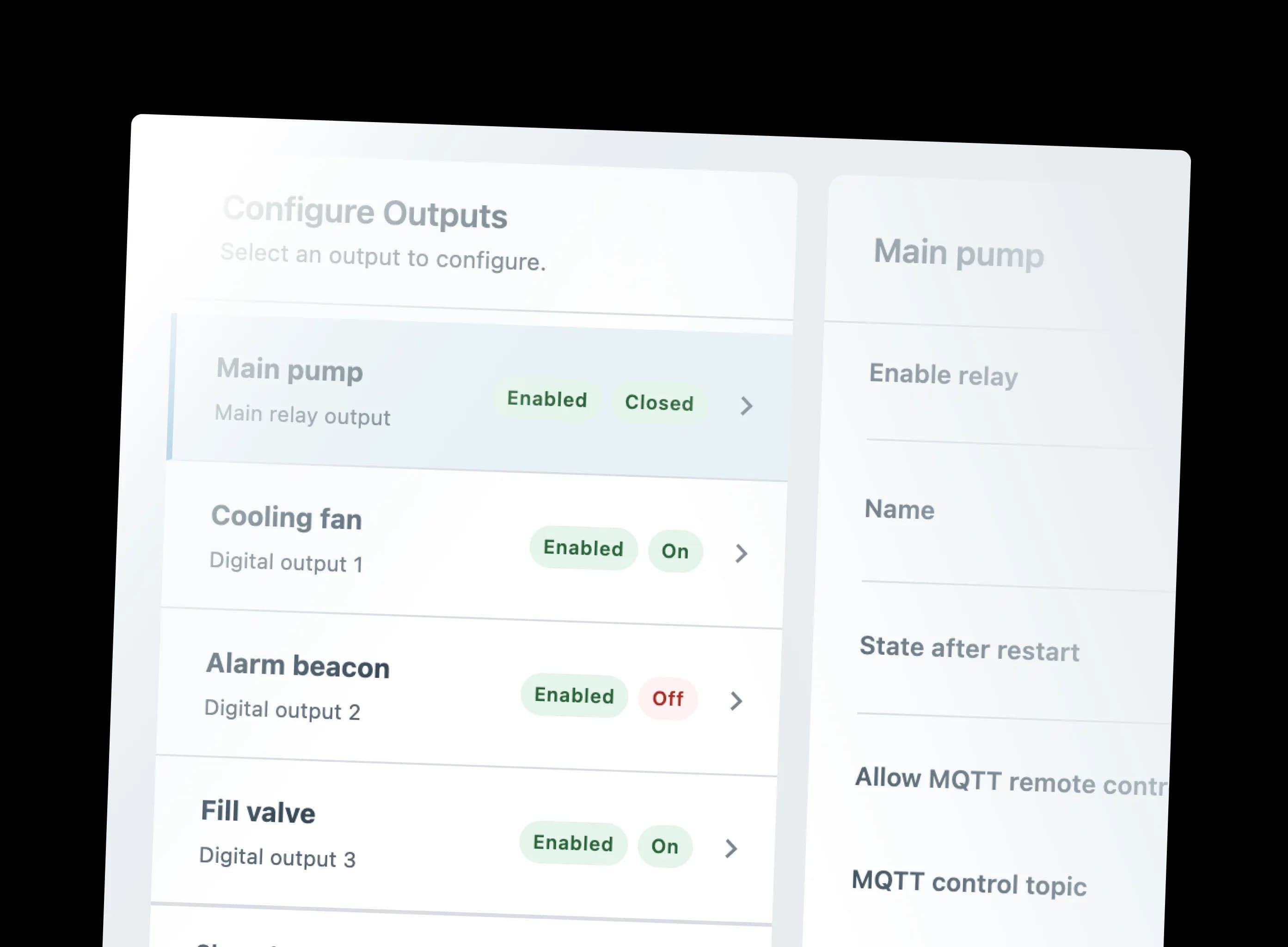
Use supported MQTT commands to trigger configured digital outputs or the relay.
Configure Wi-Fi or built-in 4G through the interface.
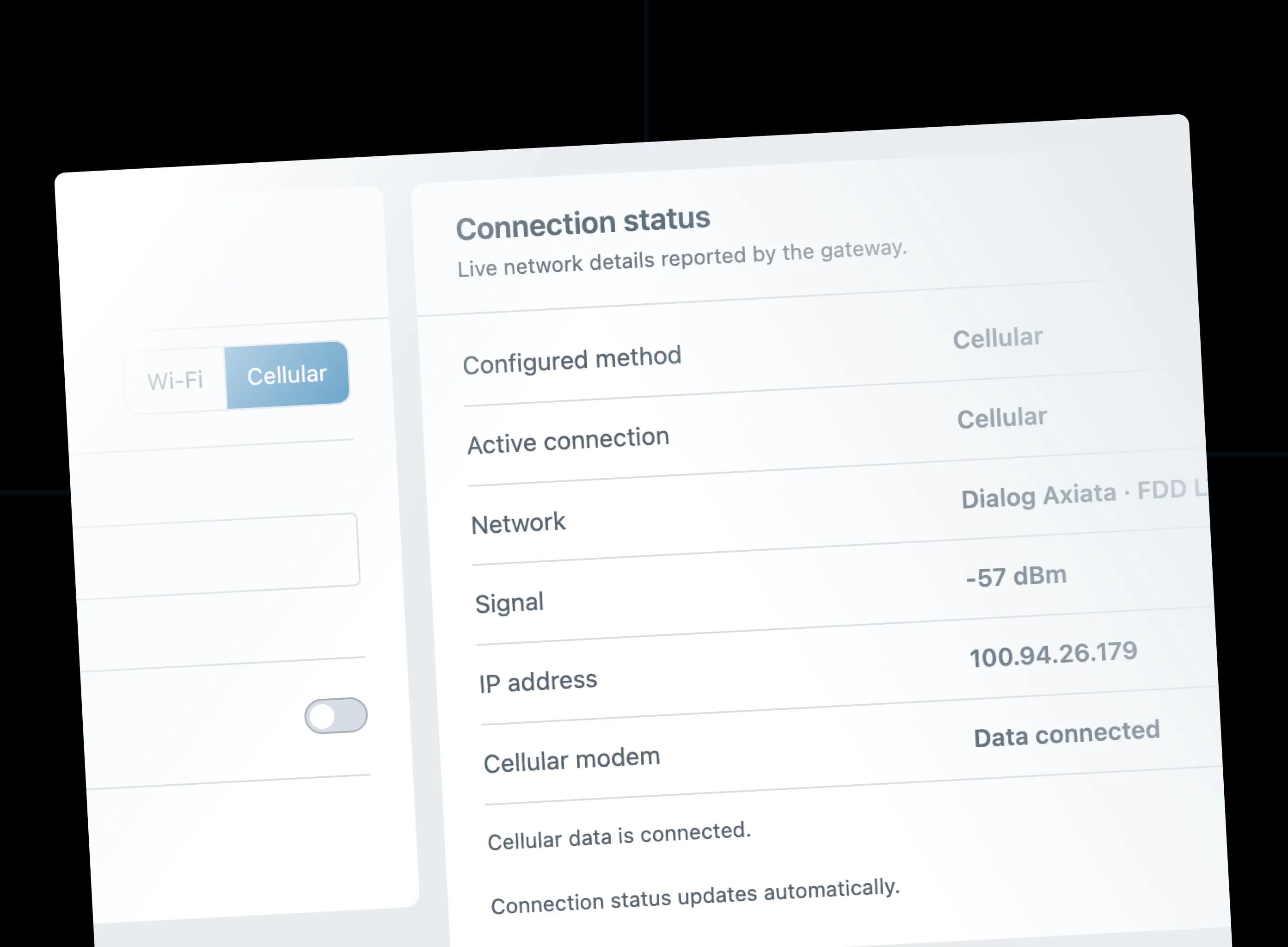
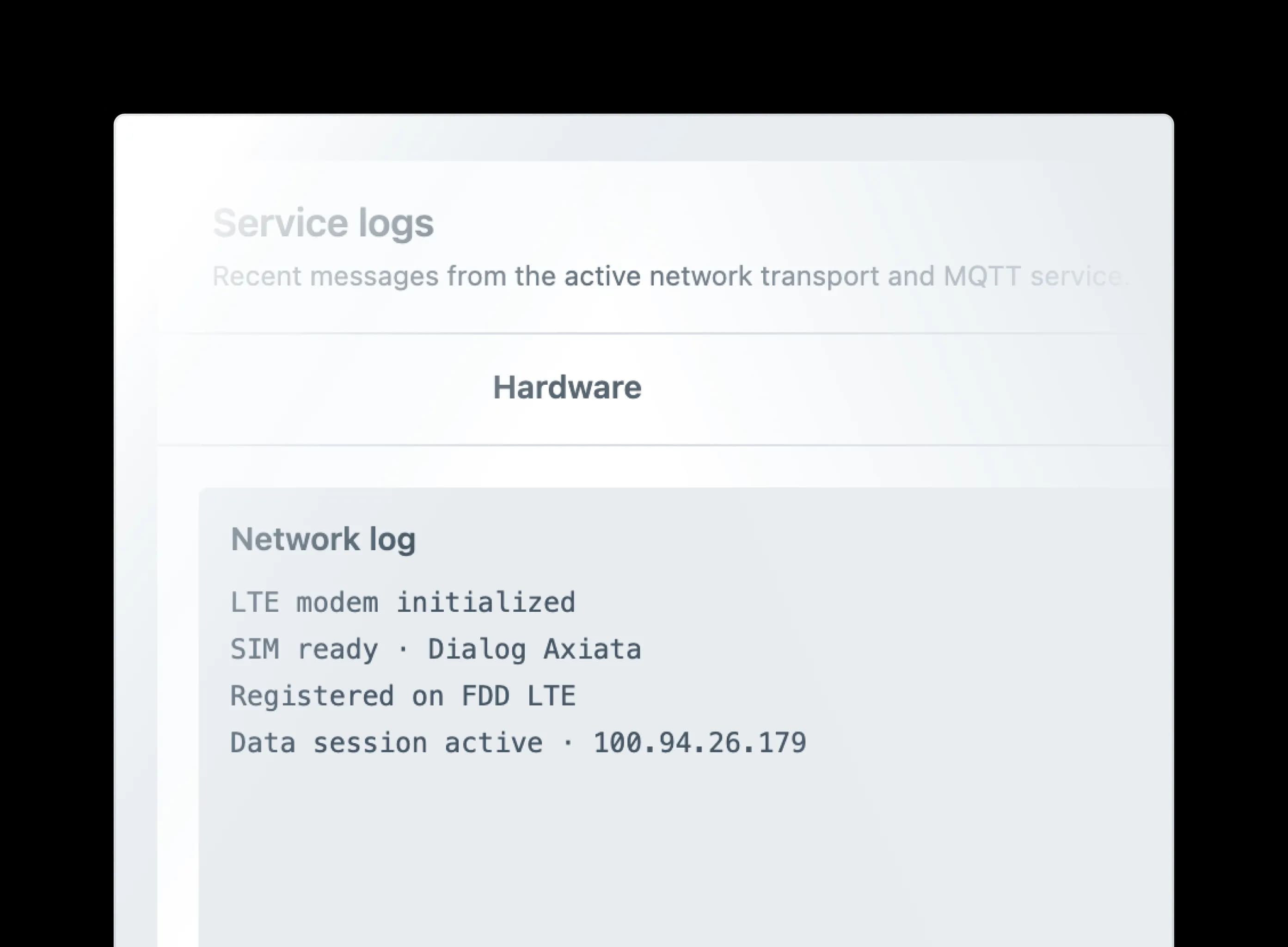
Review device health, network condition, MQTT activity, logs, battery level, OTA status, and diagnostics.
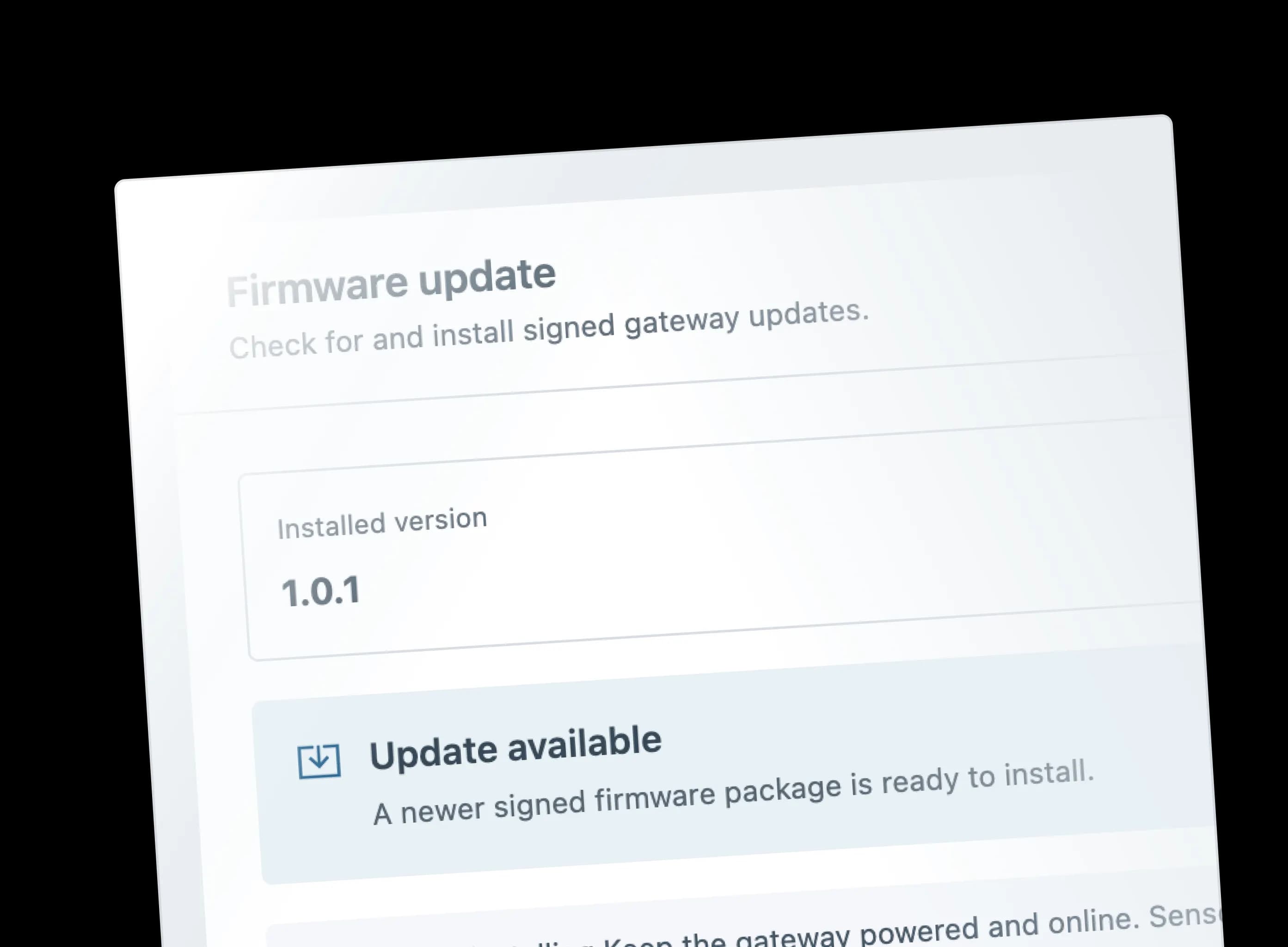
Deliver firmware updates through the network, reducing the need to access every installed device in person.
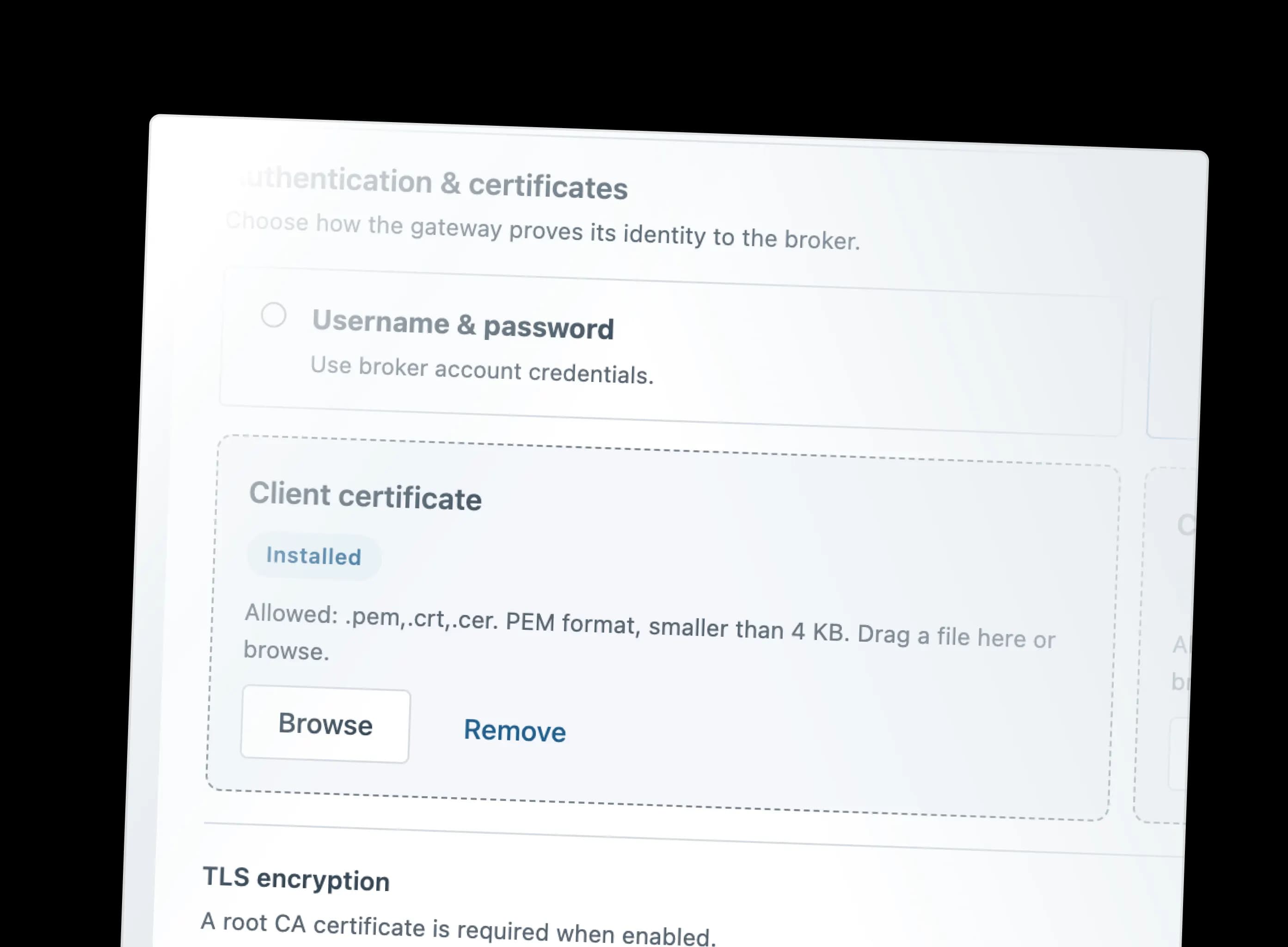
Use local login and unique hotspot credentials, plus username/password or certificate-based security supported by the MQTT broker.
Hardware, connectivity and interface specifications for Protonest Master.
